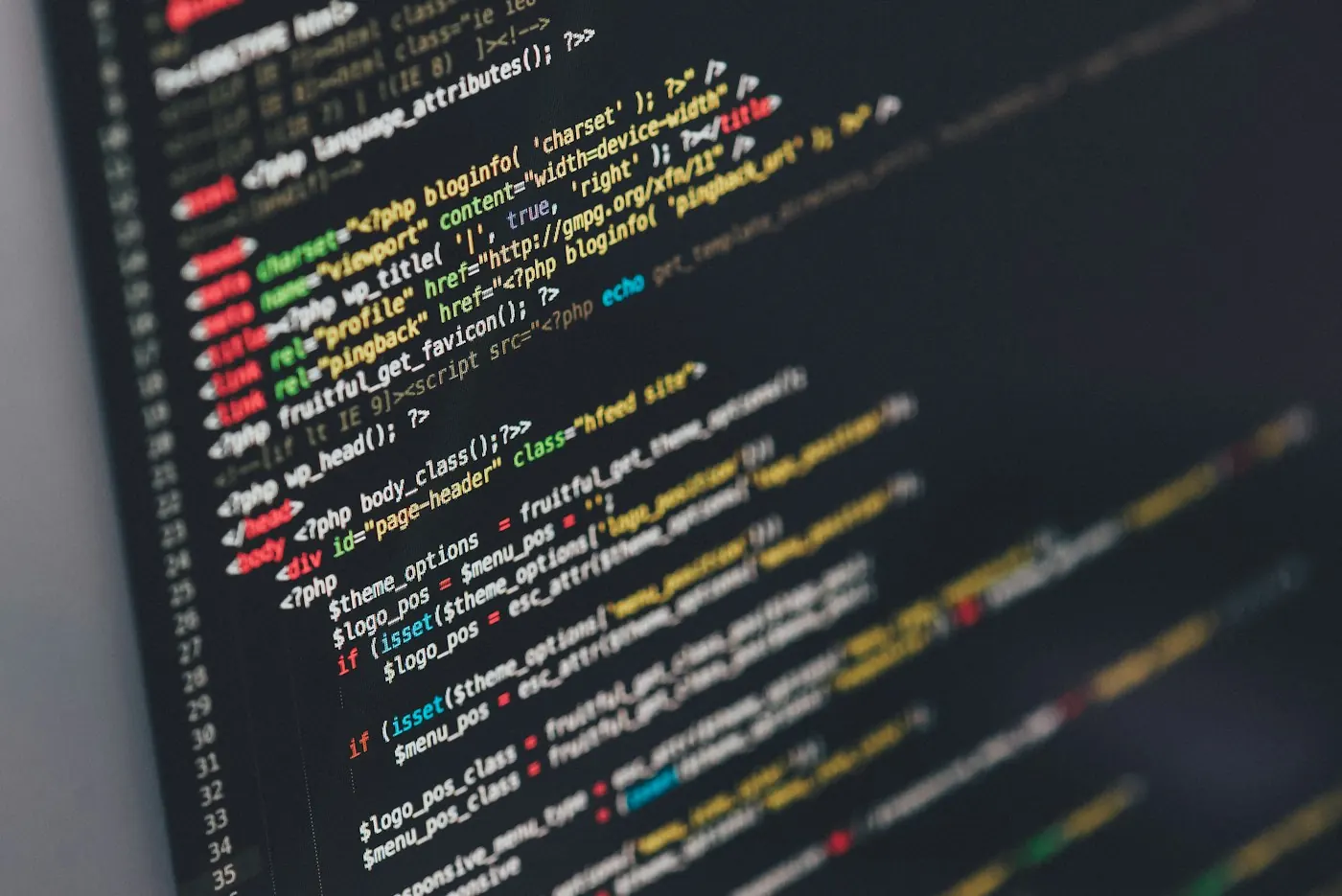
HTML gives a page its structure and meaning. CSS shapes its presentation, and JavaScript can add interactive behavior. These roles work together while remaining useful to distinguish.
A heading is more than larger text. It describes a section and helps readers and assistive technology understand the document. A button is more than a colored rectangle; it represents an action.
A well-built page remains clear as its presentation changes. Begin with meaningful structure, then use style and interaction to support what the page is for.
A small working example.
A recipe can remain understandable when its decorative styling is absent. Headings, lists, and paragraphs preserve the relationship between ingredients and instructions.
A note to keep beside it.
Read the page as a sequence of decisions. Each heading, link, and control should explain where you are and what a sensible next step might be.
- Notice the heading hierarchy.
- Distinguish navigation from an action.
- Try the page with a different text size.
Follow a related question
Write the real boundaries of the task.
A constraint that improves a decisionUse one easy landing place.
An inbox for informationKeep learning
Related background to continue exploring this subject.
MDN: learn web development MDN: how the web works